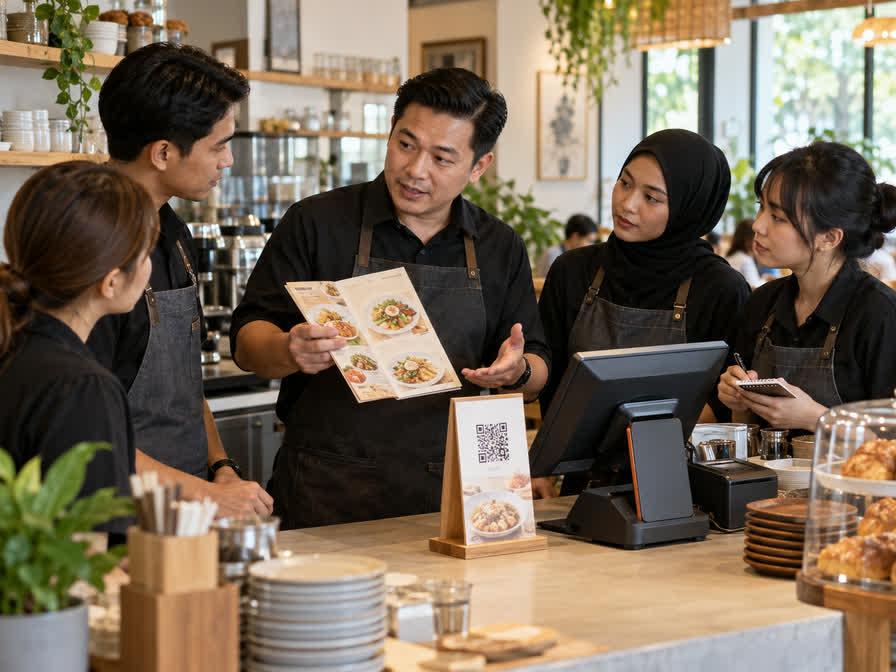
A QR menu mainly helps customers view dishes, prices, options, and availability on their own device. QR ordering adds a way for the customer to submit a request. A POS usually supports cashier control, transaction records, payment handling, and operational reporting.
These parts can be connected, but they do not automatically become one good system. The restaurant must decide which orders need staff confirmation, how table identity is checked, when payment occurs, and how kitchen or service staff see changes.
When comparing solutions, draw the order journey from menu view to final receipt. Include dine-in, takeaway, cancelled items, sold-out items, refunds, and customers who need staff help. The right combination depends on the service model, not only on the presence of a QR code.
Before development or a major change, turn this idea into a clear operating agreement: define the people who use the process, the records that must remain trustworthy, the approval boundaries, and the result the business will review. A small pilot with real examples can reveal missing rules earlier than a large build and make later support, handover, and integration safer.